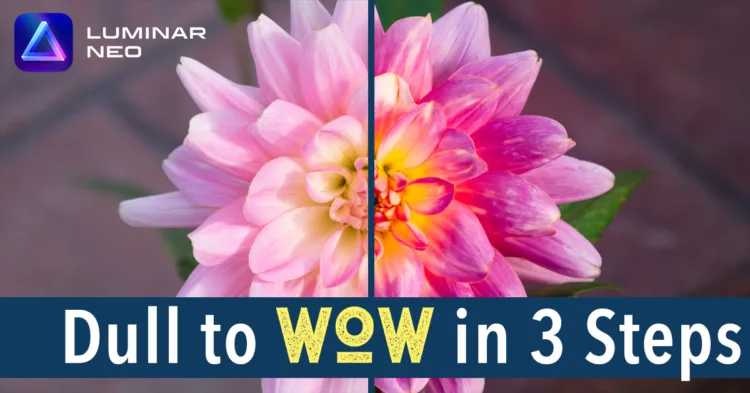
Transform flat, dull images into stunning ones with Luminar Neo in just three easy steps. Take your images from dull to wow!
Full Portrait Edit With Luminar Neo in Just Six Easy Steps
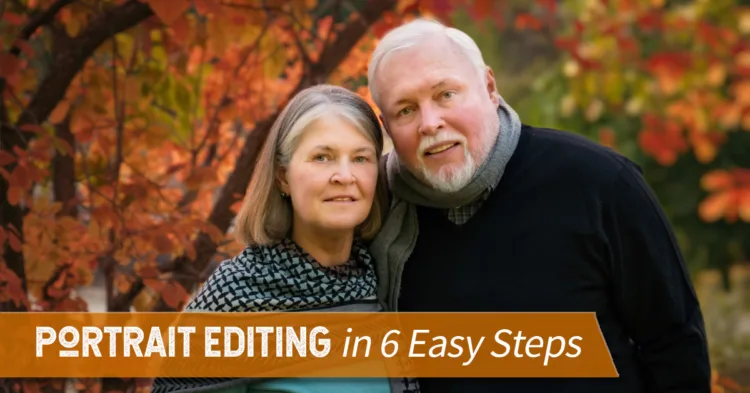
Learn how to edit a portrait in six simple steps using Luminar Neo. The process includes basic adjustments using the Develop Raw tool, utilizing portrait tools, adding color enhancement, applying a vignette, using the Glow tool, and erasing and cloning as needed. The before and after images show a significant improvement in the final result. This Luminar Neo tutorial offers an efficient method for portrait editing that can be accomplished quickly and easily.
Transform Your Images From Dull To Wow With Just Three Luminar Neo Tools
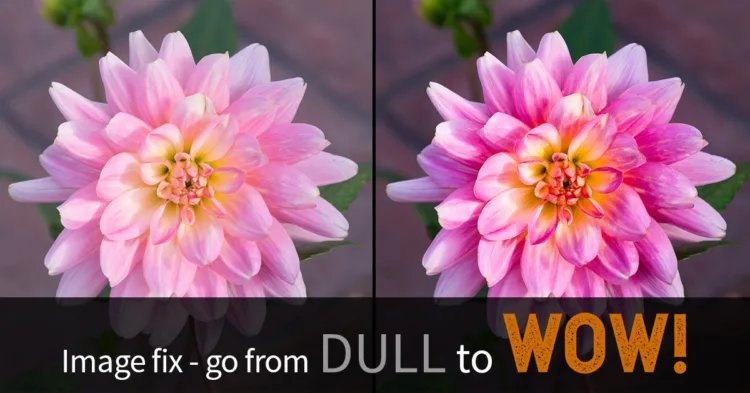
Do you have dull images that you want to save but don’t want to spend a lot of time editing? Then this might be just what you need!
Wondering if You Need the Luminar Neo Extensions? Get the Scoop Here!
Recently Skylum delivered four new Luminar Neo extensions. But are you left with more questions about them than answers? Look no further, help is here!
Luminar Neo Migration Tool – How To Use It and a Secret Hack!
In this article, you’ll learn how to use the Luminar Neo migration tool to convert your Luminar AI catalog, and how to hack it to get your purchased templates too!