Those creamy, dreamy, out-of-focus blobs of light called BOKEH, which are often highly desired in photography – can also be very challenging to create in the camera.
You need to have a lens with a large aperture, and some tiny light sources in the foreground or background that you can make out of focus. So what if you don’t have such a lens or can’t find such a photography scenario?
Not to worry – I got you covered with this set of bokeh overlay images!
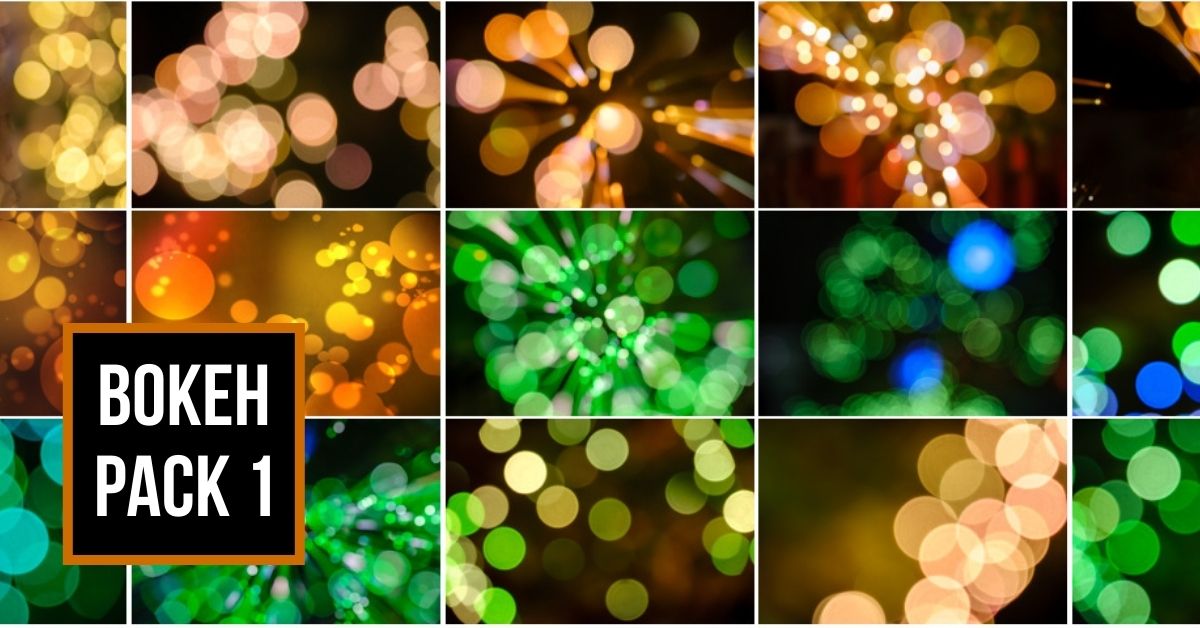
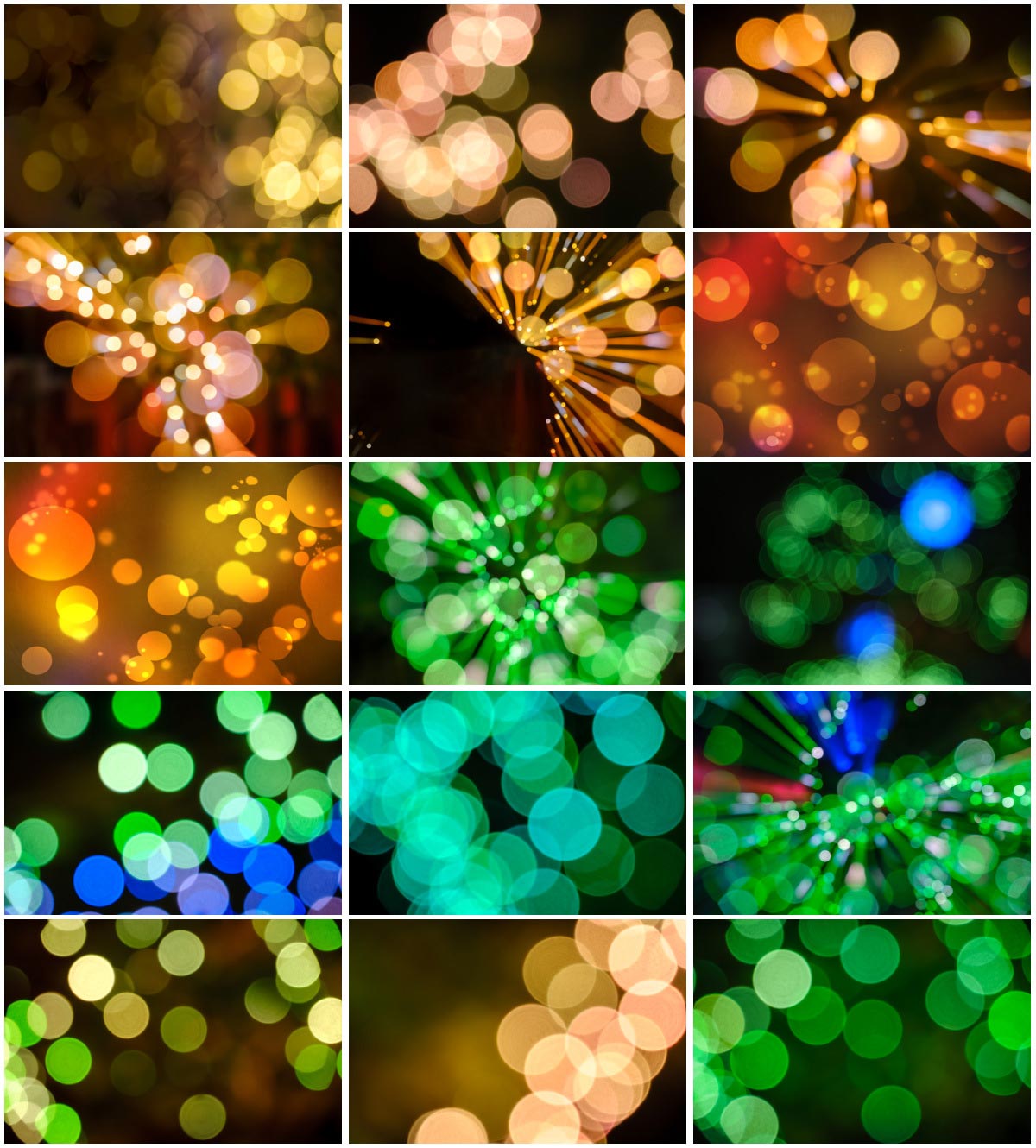
What’s included in this bokeh overlay pack:
- A total of 15 high-resolution JPGs in sRGB color space.
- A collection of images in green, yellow, and orange tones.
The bokeh images were fun to use and gave a whimsical flair to photos I already liked but also “salvaged” some photos which might have otherwise been rejected! The bokeh covered unwanted elements in some photos and in my view, literally illuminated others. –Holly Linton (bokeh overlay tester).
How do you use bokeh overlay images, is it difficult?
You can use these bokeh images in several different ways. You can use them as a background replacement (using Photoshop to select the subject), or place them on top of your image to add foreground blur.
Luminar AI, the new Luminar Neo which is coming soon (Luminar 4 also), and the new Photoshop 2021 all have the ability to add an overlay. The Artificial Intelligence in Luminar AI makes it more automated and easy even for beginners.
They are easy to use and definitely allow for creativity. I won’t say I’ve mastered editing yet, but I am at a point in my skills that using the overlays was fun and felt like a small leap to the next level. As I look at the 15 images I tested, they all bring me joy because of the bokeh! – Holly Linton
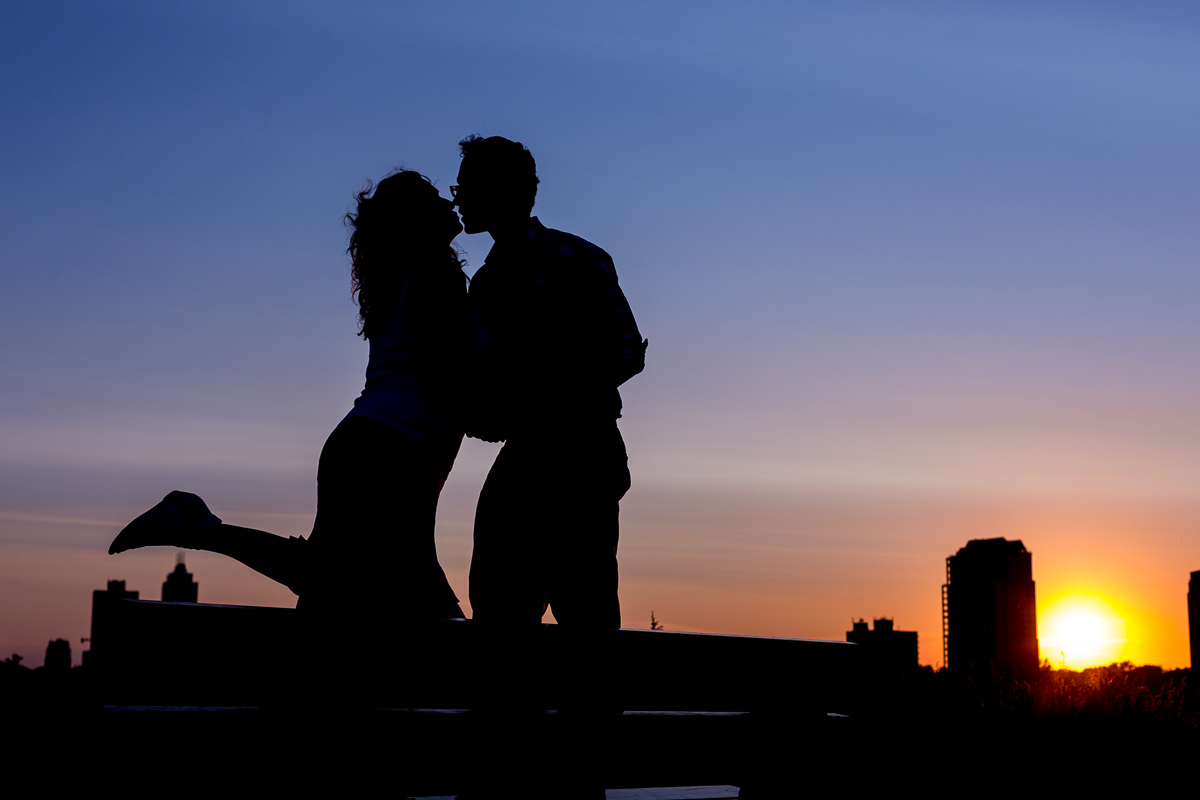
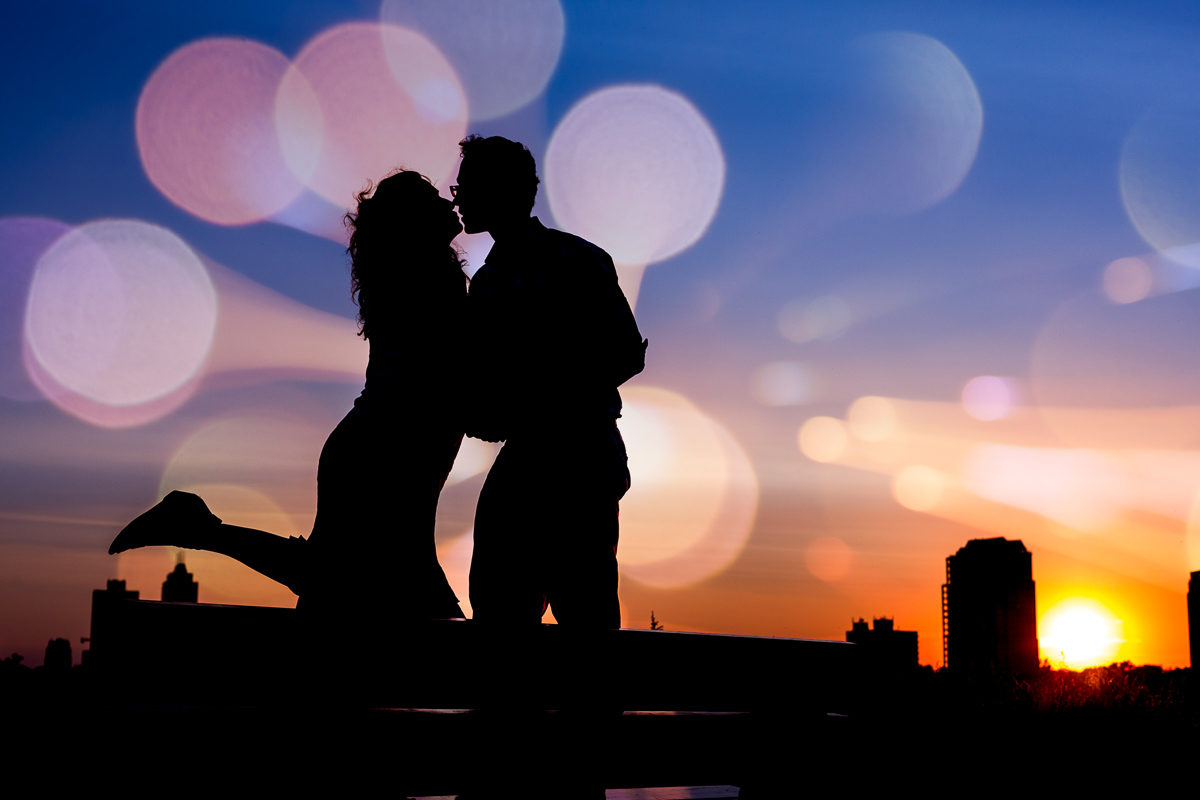
Not having used this style of overlay previously, I was a bit skeptical at first but found them easy to use and they helped me to look at different ways of processing my photos. The overlays have added a different style to those I’ve used before and will be at the forefront of my future planning of photos and post-production. They were easy to apply, mask and adjust to the right levels, for me to get the results I was looking for. –Peter Coats
Darlene’s Bokeh overlay images exceeded my expectations. They were easy to use and her images exported from Photoshop into Luminar AI as texture overlays gave me a completely new way of artistic expression that enhanced my photographic style; and doing it in a fun way! – Ray Nichol
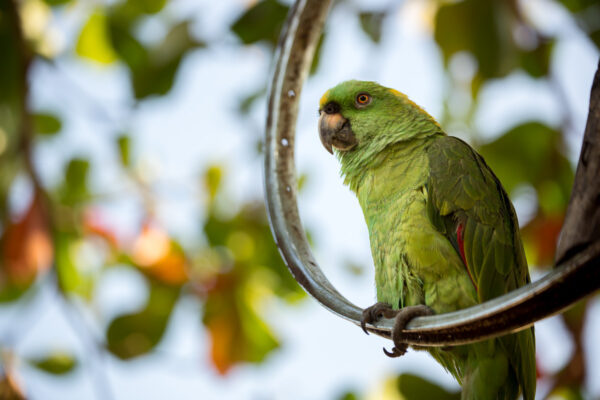
Why would you want to add bokeh to your photos?
You could choose to add a bokeh overlay for many reasons including:
- To hide something in the background that is distracting
- To add more depth and dimension to an otherwise flat image
- For a creative look
- To change out the background or add to it
- Just for fun to see what you can make!
Definitely contributed to the improvement of my work. I recommend these Bokeh image overlays 100%. Improved and opened up many creative options. – Ray Nichol
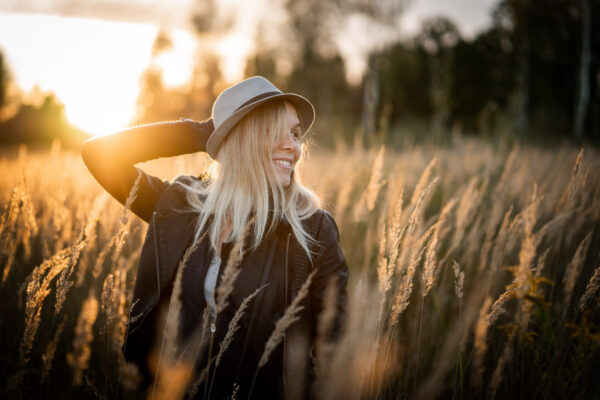
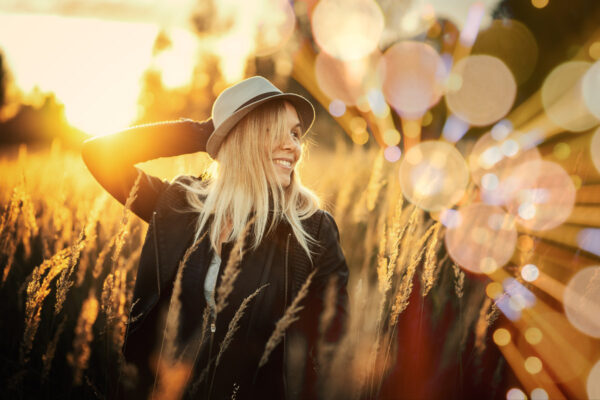
Example before and after bokeh images provided by customers
The photos below were provided by a few loyal Digital Photo Mentor readers who volunteered to test this bokeh image pack on their own photos.
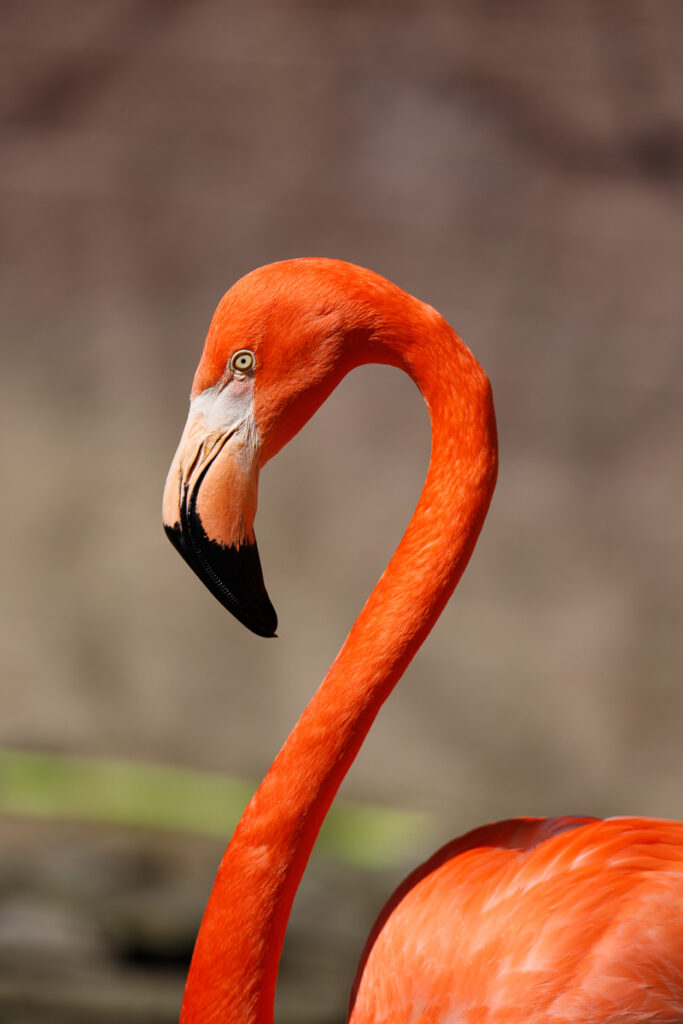
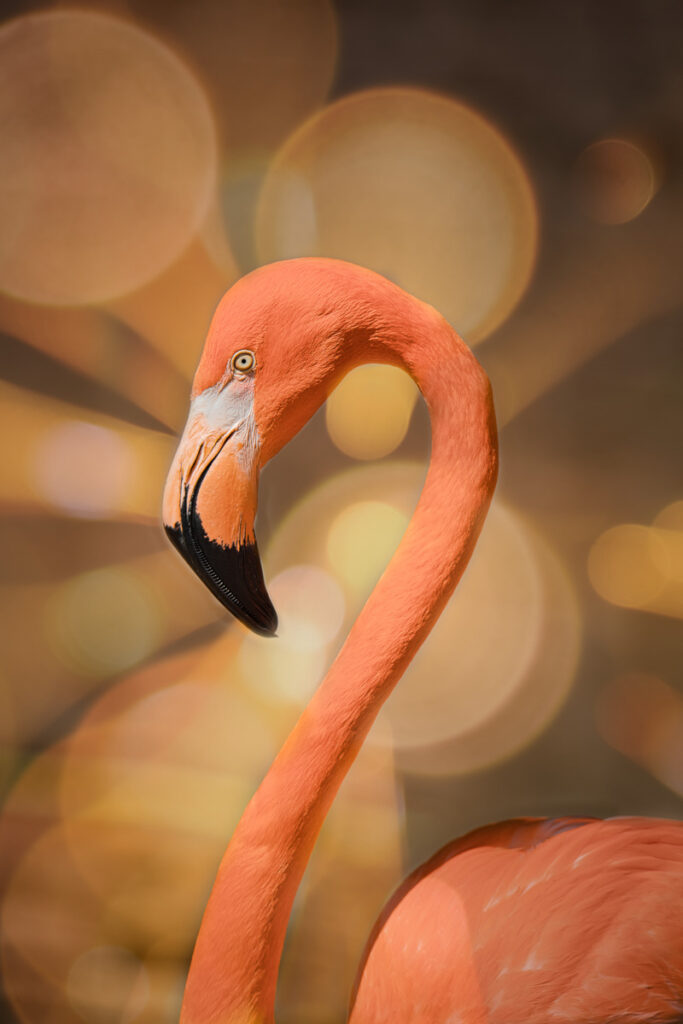

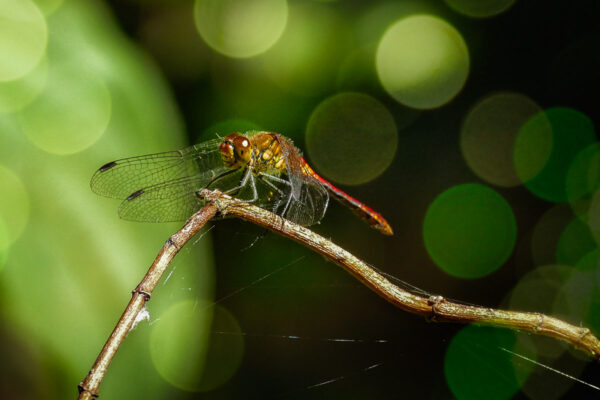
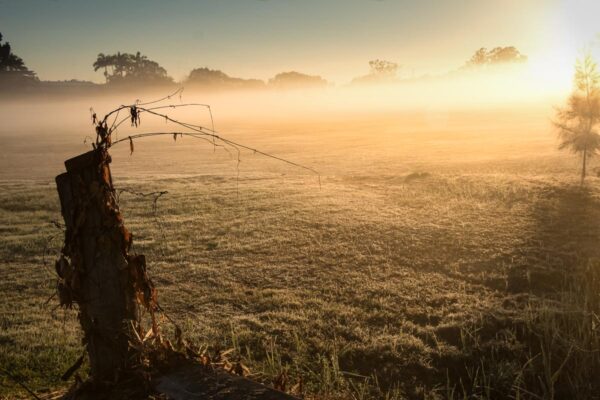
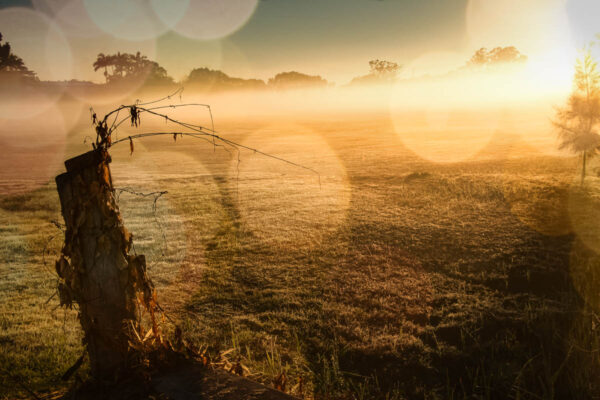
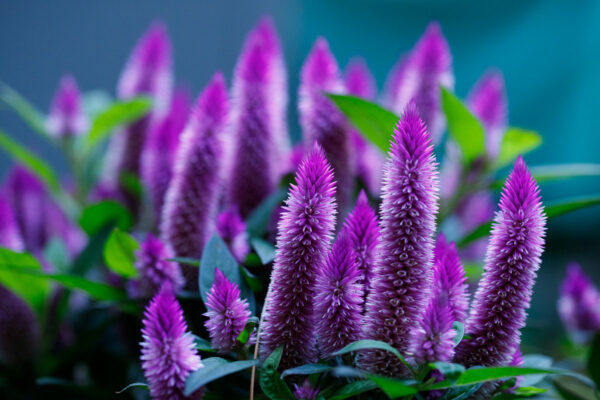
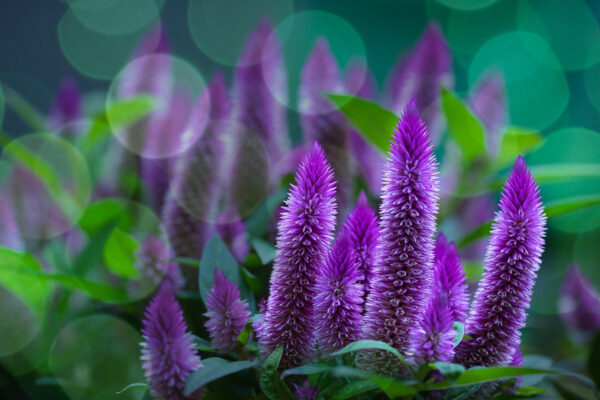
I would recommend these overlays to anyone looking to add an artistic touch to their photos and open up their creative mind. – Peter Coats
There’s no reason not to have some of Darlene Hildebrandt’s bokeh overlays in your arsenal! – Holly Linton
Darlene’s Bokeh overlays are an essential collection to own. They will help you to create many wonderful, dynamic images. A very excellent series of overlay textures to put into practice creating high-quality Bokeh images. Because they are another quality creative tool. – Ray Nichol