Sky replacement AI or Artificial Intelligence is the latest hot ticket item. But in order to utilize this feature available in many photo editing programs now, you need to have a good library or your own sky images.
Not to worry if you haven’t got any yet – this sky replacement pack will get you started.
What’s included in the sky replacement pack:
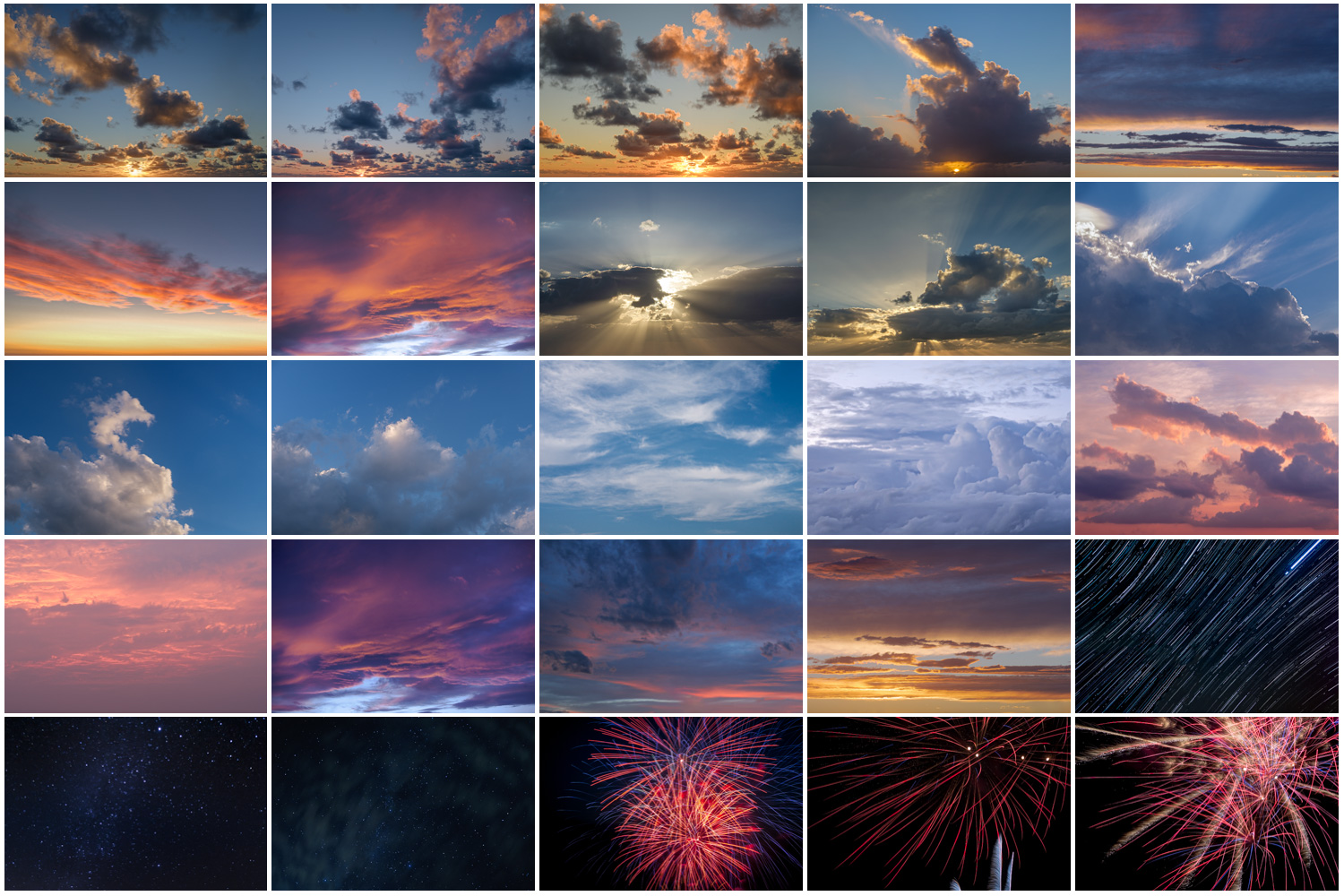
- A total of 25 high-resolution JPGs in Adobe RGB color space (to give you more editing power and clean sky tones)
- Some sunset skies
- Some cloudy skies
- Including 3 night skies including one of star trails
- And also including 3 fireworks images for something different
How do you do sky replacement, is it difficult?
Replacing the sky in your image can be easy or difficult – it depends on the image and the photo editing program you are using. While you can do it with any software that uses layers technology like Affinity, On1, and Topaz Masking – you may have to do most of the work yourself.
Luminar Neo, Luminar AI (and Luminar 4) and the new Photoshop 2021/22 all have a sky replacement feature with Artificial Intelligence that makes it more automated and easy even for beginners.


Why would you want to do you do sky replacement?
Some people may consider swapping out the sky as cheating, while others embrace it. You get to decide if it’s something you want to do or not.
I will admit that when I first heard about it I was skeptical that it would be gimmicky and not something I’d likely use. But I’ve surprised myself and have done it quite a bit!
I’ve also used it on images other than just landscapes such as portraits where the background or sky was blank or uninteresting.
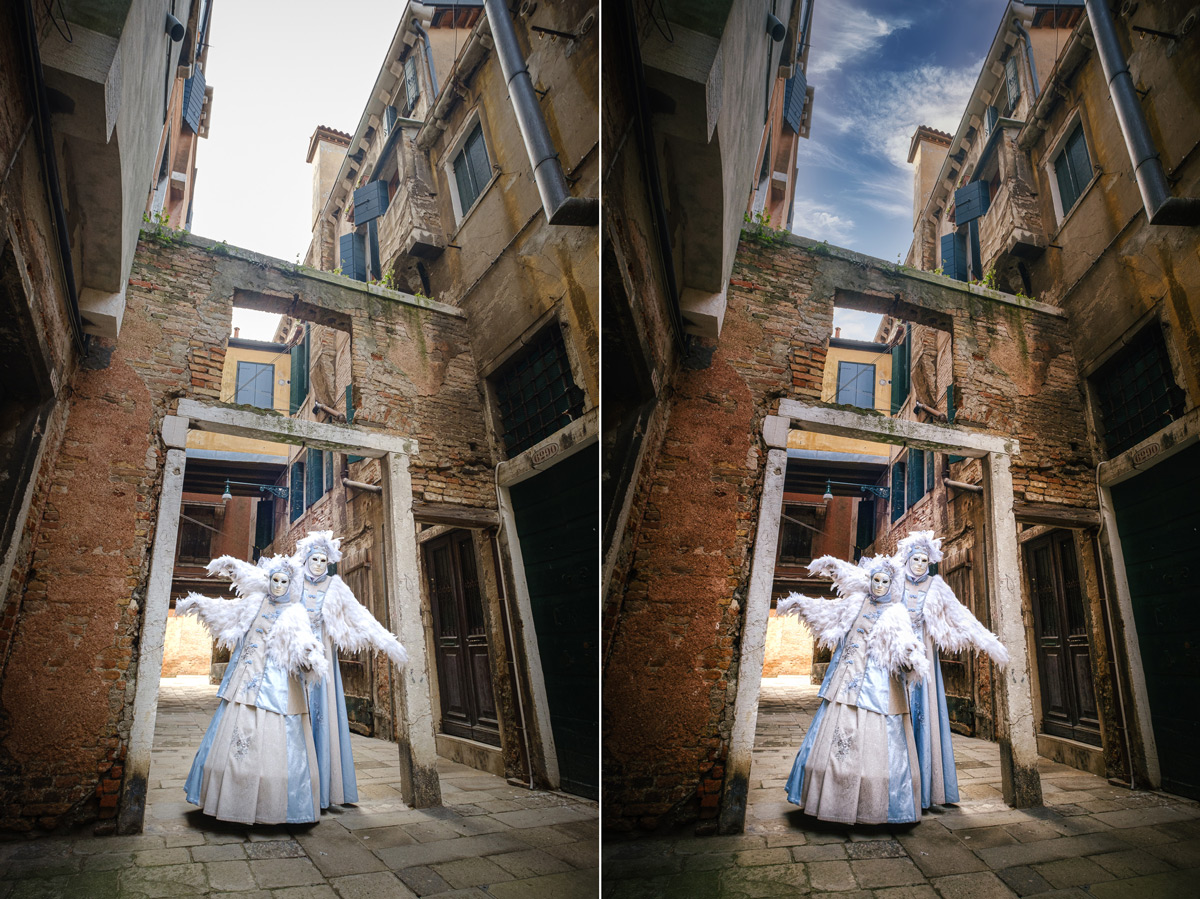
I did just that on the image below, shot at the Venice Carnival. The sky was overcast and lacked any detail but I wanted a tall vertical image to capture the sense of flight for these bird characters. The sky replacement tool in Luminar did the trick easily!
If you want to see what’s included in this Sky Replacement Pack just click the image below. Then if you’re ready to give it a go – click BUY NOW above at the top of the page and get going.