Luminar Neo – The Complete Course
This course teaches you everything you need to know—start to finish—about Luminar Neo. It’s designed to guide you step-by-step, whether you’re completely new to editing or switching over from another tool like Lightroom or Photoshop.

If you want to stop guessing your way through editing and start using Luminar Neo with clarity and confidence, you’re in the right place.
This course IS for you if…
- You’ve never done photo editing before and need a true beginner’s guide
- You’re new to the Luminar suite (or just upgraded to Luminar Neo)
- You’ve used Luminar 2018, 4, or AI and feel lost in the new interface
- You want to use Luminar Neo alongside Lightroom or Photoshop
- You feel overwhelmed by Neo’s new tools and layout
- You have questions and want real explanations (not just fast YouTube tips)
- You want to take your editing skills to a higher level
- You need someone to walk you through it, step by step
This course is NOT for you if…
- You already consider yourself an advanced photo editor
- You’re using Luminar AI or an older version (you’ll need Luminar Neo to follow along)
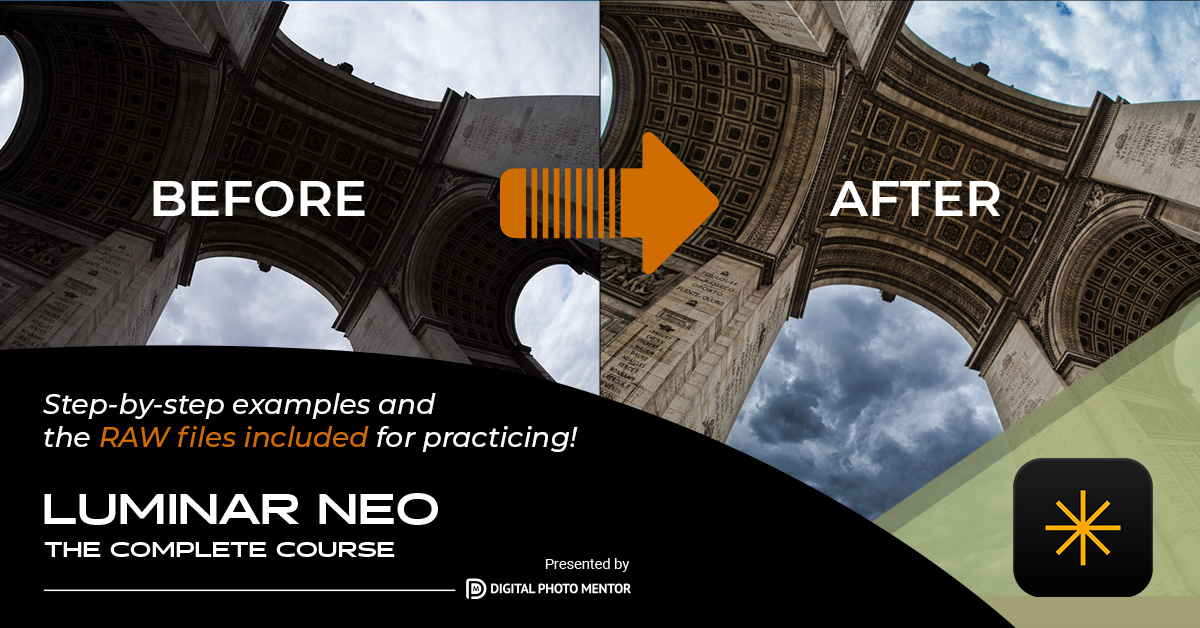
What’s included:
- Over 29 hours of pre-recorded Luminar Neo lessons
- 200+ RAW image files from Darlene to follow along with
- Full editing workflow demonstrations using real-world examples
- A downloadable Luminar Neo keyboard shortcut cheat sheet (PDF)
- Bonus creative files:
- 6 sky replacement images
- 2 texture overlays
- 2 bokeh overlays
- 9 grunge-edge frames
NOTE: Lifetime Access
Once you register, you’ll receive login details to access the course materials at any time—for life. Work at your own pace, rewatch lessons as needed, and come back whenever Luminar updates—we’ve got you covered.
Want to dive deeper? See the full course breakdown here